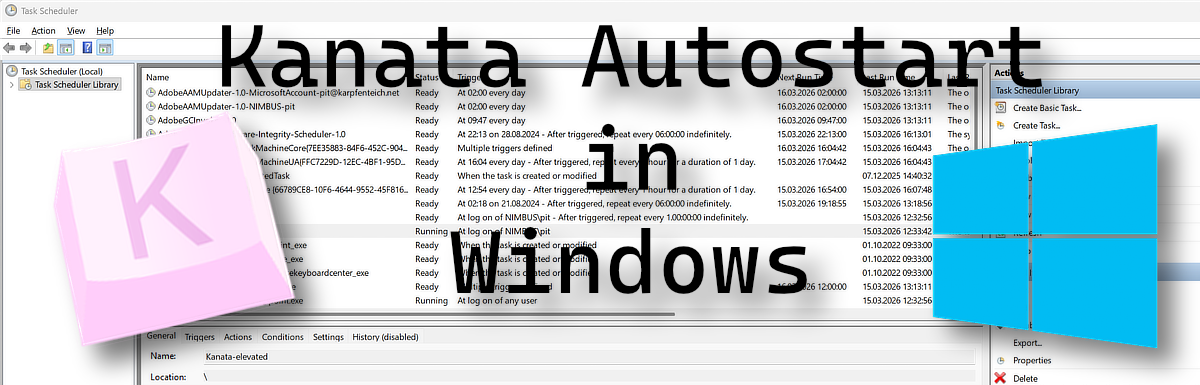
Best practice to launch Kanata with Windows
Start Kanata with Windows so it works reliably, also for programs running with admin rights.
Why you cannot put Kanata in the Autostart folder To start Kanata automatically with Windows, the Autostart folder is the obvious first choice — but it has a limitation. Kanata (LLHook version) only becomes active after login. While placing a shortcut in the Autostart folder works for most …